// Built for developers & devops
Backups that behave like infrastructure.
Every feature is built around one idea: move bytes reliably, from anywhere, without a server in the middle.
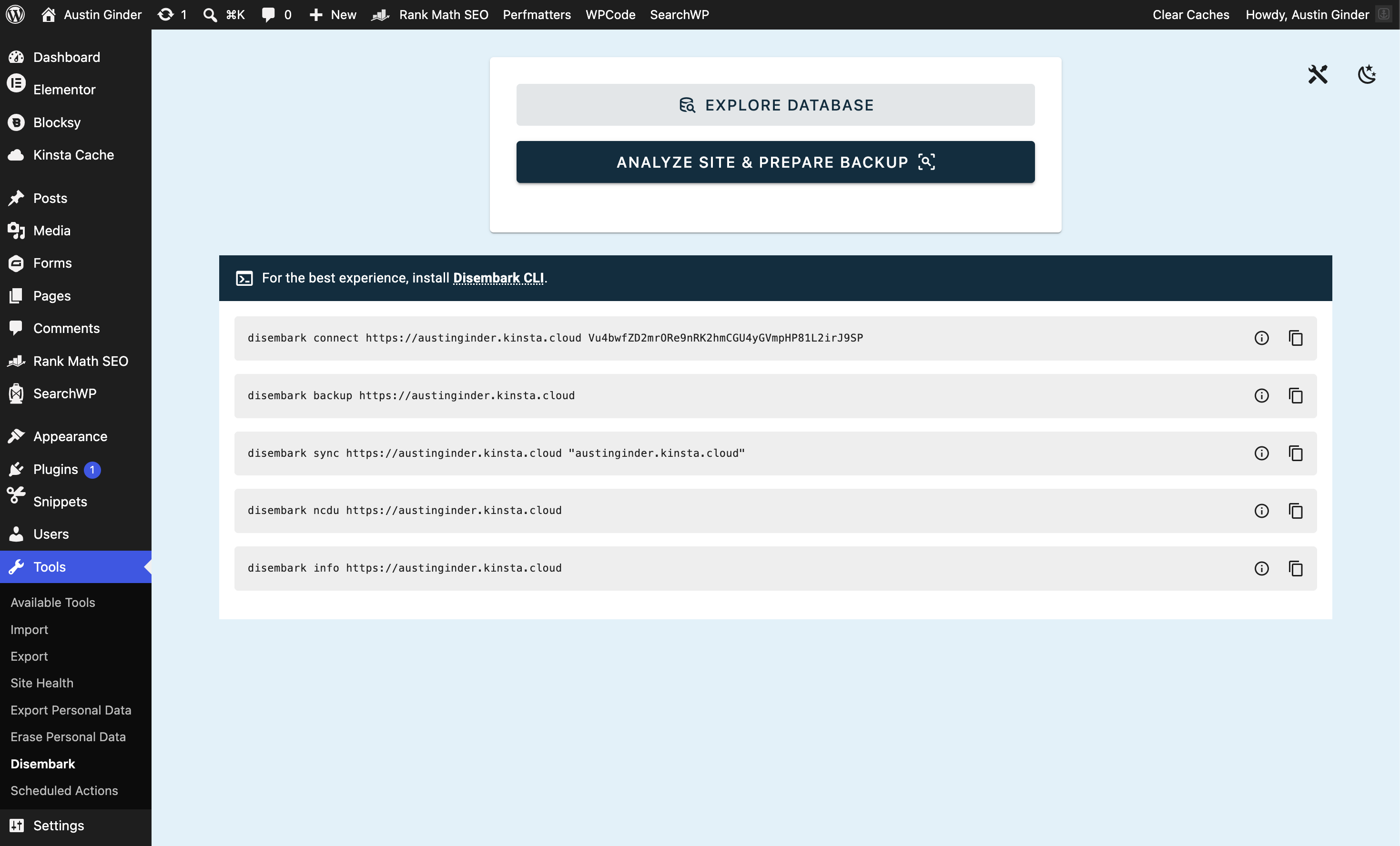
disembark ncdu mysite.com
See what's eating the disk. No SSH.
Browse the remote filesystem interactively with NCurses — sorted by size, straight through the REST API.
1.4 GiB/wp-content/uploads
412 MiB/wp-content/plugins
188 MiB/wp-content/ai1wm-backups
54 MiB/wp-includes
disembark sync mysite.com ./mirror
Pull only what actually changed.
Remote checksums are compared against your local copy, so a daily mirror costs megabytes instead of gigabytes.
↓uploads/2026/08/hero-v3.webp
↓plugins/woocommerce/ (9 files)
=uploads/2019/ … 1,183 unchanged
=themes/twentytwentyfive/
12 changed · 1,192 skipped38 MB
hybrid batching
Never times out.
Small tables are bundled into one request; large ones are split and streamed in parts.
41 small1 request
wp_posts4 parts
wp_postmeta2 parts
--threads 12
Zips and pulls at once.
The server keeps zipping while completed chunks download in parallel. Nothing waits in line.
--rollback
Undo any restore.
Every restore drops a rollback point first. Change your mind, get the old site back in one command.
14:02 · backup pulled
14:19 · rollback point saved
14:20 · restore complete
stateless
No third-party cloud. Data flows straight from your site to your machine, authenticated with a per-site token.
wp-admin
A real UI, if you want one. A Vue dashboard under Tools → Disembark: file tree, database explorer, exclusions, tokens.
restore
Land anywhere. Push a local snapshot into any site running Disembark — URL rewriting and table-prefix remaps included.
pull
Site-to-site. Point a fresh install at a live one and pull it over, server-to-server, with nothing in between.